
How to create 301 redirection using .htaccess
.htaccess is a configuration file to use on Apache Web Servers. Whenever a directory contains a .htaccess file, Apache Web Server loads & execute configurations written on the .htaccess. These .htaccess files can be used to bypass or alter configurations loaded by the Apache Web Server to enable/disable additional functionalities offered by Apache Web Server. Here we’re to learn how to create 301 redirection using .htaccess.
How to create 301 redirection using .htaccess
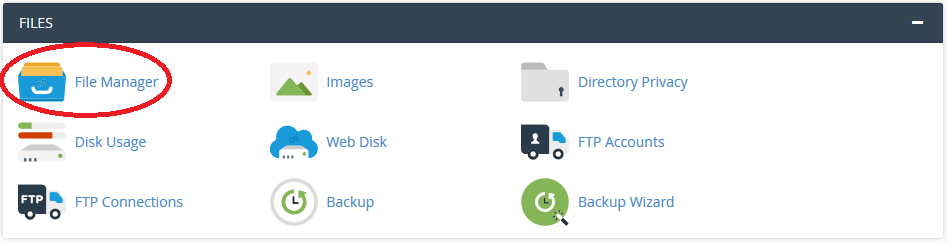
STEP 1: Login to your cPanel Account. 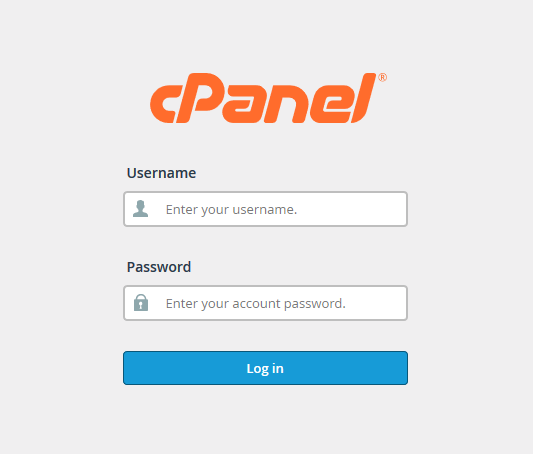 **STEP 2:**Search for ‘File Manage’ under ‘Files’ section. Click on it
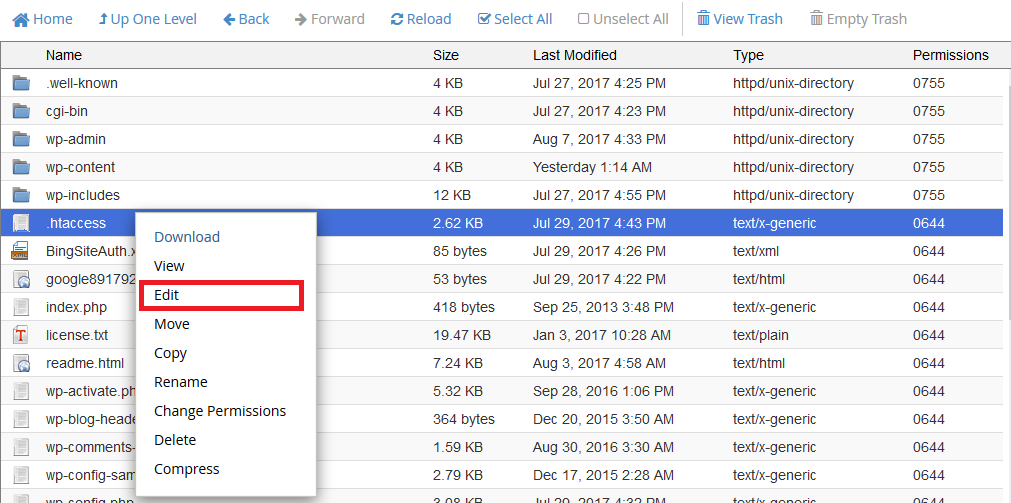
  STEP 3: Browse ‘public_html’ folder & search for .htaccess file. Enable hidden file browsing if you can’t find a .htaccess file. STEP 4: Right click on ‘.htaccess’ file & click on ‘Edit’.
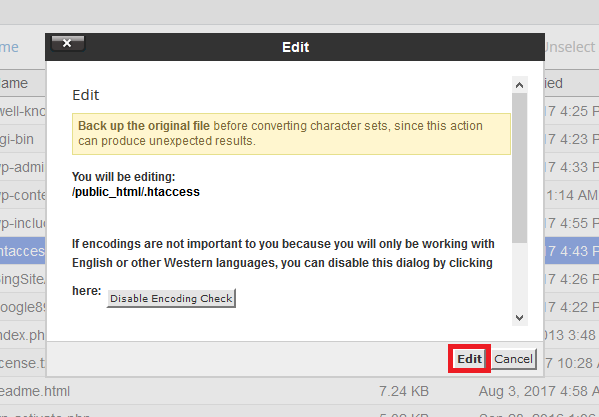
  STEP 5: A prompt window will show up. Click on ‘Edit’.
  STEP 6: Write the Following Commands in your .htaccess file
Options +FollowSymLinks RewriteEngine on Redirect 301 /file1.php /https://www.yourwebsite.com/file2.php
This will permanently redirect file1.php to file2.php. So both your visitors & search engine crawler bots will be redirected to file2.php once you’ve implemented this code in your .htaccess. Note: If the following lines are already in your .htaccess file don’t write them again.
Options +FollowSymLinks RewriteEngine on
We hope this tutorial helps you find the perfect solution. If your like our tutorials, definitely you’ll love our support. All VernalWeb hosting plans include 24/7 support from our amazing inhouse support staff. Check out our web hosting plans and have your website migrated today!
Was this article helpful?